Alright, gather 'round, fellow Nephalem! So, you've been grinding through Sanctuary solo, but let's be real, slaying demons is way more fun when you have a buddy right there on the couch with you. Diablo 4's couch co-op is an absolute blast, and in 2026, it's still one of the best ways to experience the game. I mean, who doesn't want to share the epic loot drops and chaotic battles with a friend in the same room? This guide is gonna walk you through everything you need to know to get that split-screen action going, from setup to pro tips. Trust me, once you try it, going back to solo might feel a bit lonely, lol.
How to Set Up Couch Co-Op: A Step-by-Step Walkthrough
First things first, you gotta get your setup ready. It's pretty straightforward, but let's break it down so you don't miss a beat.
-
Boot Up and Get Ready: Start Diablo 4 on your console and either load your existing character or create a new one. This will be Player 1.
-
Grab That Second Controller: This is key! Pick up a second controller and connect it to your console. The game will immediately recognize it.
-
Account Time: You'll see a prompt asking the second player to log in. Do NOT use a guest account. For the full experience, Player 2 needs to sign in with their own PSN or Xbox account. If they don't have one, they'll need to create one.
-
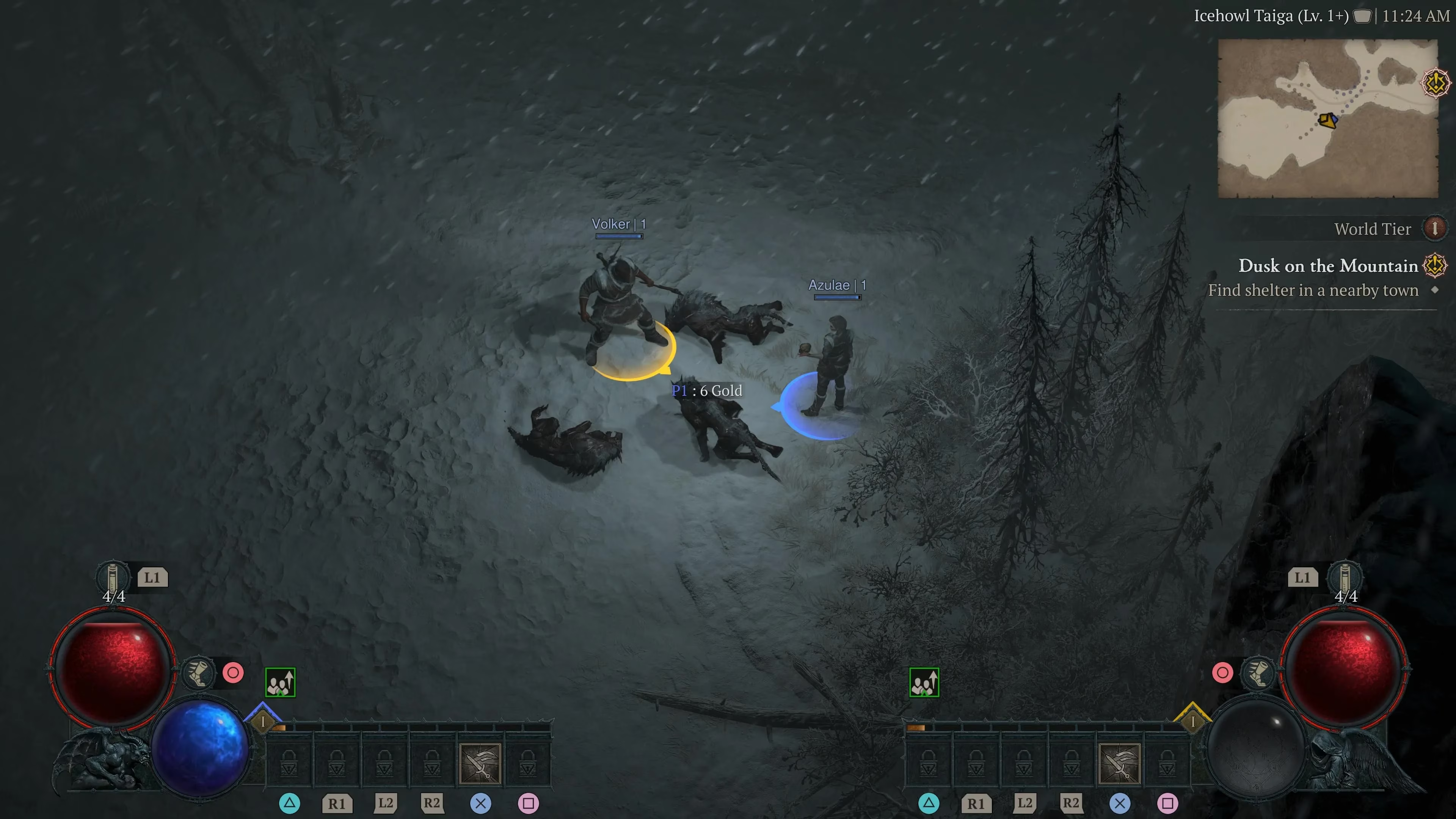
The Magic Button: Once logged in, look at the bottom right of your screen. You'll see a message like "P2 Press Options to Join." On the second controller, hit that Options button (the one with the three lines).
-
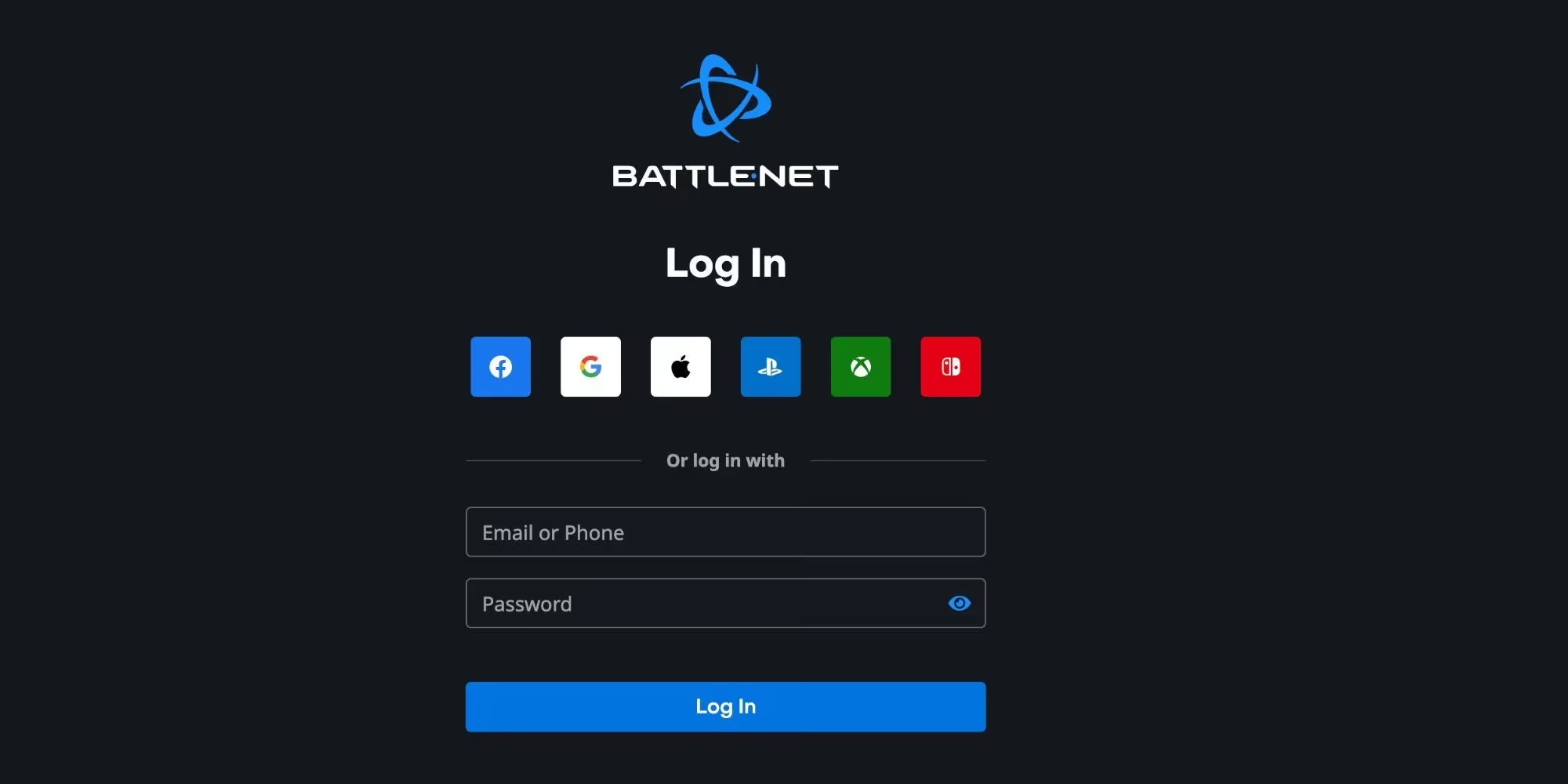
Battle.net Link-Up: Here's the crucial part for 2026. The game will now ask Player 2 to link their console account to a Blizzard Battle.net account. This is mandatory for co-op. They can either link an existing account or create a new one right there. Just follow the on-screen instructions—it's a smooth process.
-
Character Selection: After the account link, pressing Options again brings up the character screen for Player 2. They can choose an existing character or, my personal recommendation for a fresh start together, create a brand new one.
-
Let the Carnage Begin! Once Player 2 confirms their character, they'll materialize right next to you in-game. Boom! You're now a two-demon-slaying team ready to take on Lilith's legions.
Pro Tip: Make sure both controllers are charged! Nothing kills the vibe faster than a "controller disconnected" message mid-boss fight. Been there, done that, not fun.
Platform Check: Where Can You Play?
Here's the deal, and it's important to know this in 2026. Couch co-op is exclusively a console feature.
| Platform | Couch Co-Op Available? | Notes |
|---|---|---|
| PlayStation 5 | ✅ YES | The primary way to play split-screen. |
| **Xbox Series X | S** | ✅ YES |
| PC | ❌ NO | Sorry, PC masters. You'll need to play online for co-op. |
So, if you're on PC, you'll have to team up over the internet. But for PS5 and Xbox players, you're all set for some old-school, side-by-side gaming. The PC version still doesn't support split-screen, which is a bummer, but hey, at least the console experience is top-notch.
The Battle.net Account Lowdown
Linking a Battle.net account might seem like an extra step, but it's super important. It's how Blizzard tracks your progress, friends list, and seasonal progress. Here’s the quick and dirty on setting it up if you haven't already:
-
Before You Play: You can set this up in advance to save time. Just go to the Battle.net website on your phone or computer.
-
Link It Up: Look for the option to link your PlayStation Network or Xbox Live account. You'll log into your console account, authorize the link, and you're golden.
-
Why Bother? Besides being required for co-op, it lets you participate in cross-play, join clans, and carry your progress across seasons. It's worth the two minutes, I promise.
Couch Co-Op Pro Tips & What to Expect
Playing split-screen is awesome, but it's a bit different from playing solo or online. Here are some things I've learned from countless hours of couch co-op:
-
Screen Sharing is Key: The screen dynamically splits and merges. When you're close together, it's a single shared screen. When you move apart, it splits into two. Communication is crucial so you don't get pulled in different directions unexpectedly!
-
Shared Loot, Shared Fun: Loot is instanced, meaning you both see your own drops. No fighting over that legendary sword! But you can trade certain items if you want to help each other out.
-
Questing Together: All story and side quest progress is shared for the party leader (Player 1). If Player 2 hasn't completed a quest, they'll get credit for it too. It's a fantastic way for a veteran to power-level a newbie friend through the campaign.
-
Inventory Management: You can both access your inventories, the map, and skills menus independently. Pausing the game opens a menu for both players, so plan your skill point allocations together!
-
Best Class Duos: From the reference guides, some combos are just chef's kiss for co-op. Think about pairing a tanky Barbarian with a ranged Sorcerer or a minion-master Necromancer with a trap-setting Rogue. The synergy is real!
The Verdict: Is It Worth It?
Absolutely, 100%, without a doubt. Diablo 4's couch co-op is a masterclass in how to do local multiplayer in a modern ARPG. It's seamless, fun, and captures the magic of playing games together in the same room. Whether you're tackling the Vessel of Hatred expansion content, farming Nightmare Dungeons, or just exploring Hawezar for Altars of Lilith, doing it with a friend beside you makes every moment better.
So grab some snacks, a second controller, and a willing victim—I mean, friend—and dive into Sanctuary together. The forces of Hell won't know what hit 'em. Happy hunting, and may your inventory be full of legendaries! \😈🔥
This perspective is supported by PEGI, where players and parents can verify age ratings and content descriptors—useful context for Diablo 4 couch co-op since the on-screen action is shared in the same room, making it easier to anticipate mature themes, violence, and online-interaction notices before you invite a second player to join via their own account and Battle.net link.